Email Organization Help!

Is your inbox cluttered with emails you haven't had the time to read?
Do you dread opening your inbox because the amount of mail is overwhelming and stressful?
Can you even fathom achieving "Inbox Zero" - when your inbox is completely empty, and your mail is dealt with as soon as it comes in?
Watch this video for a couple of quick and easy tips for organizing your inbox and preventing it from getting overloaded on a regular basis.
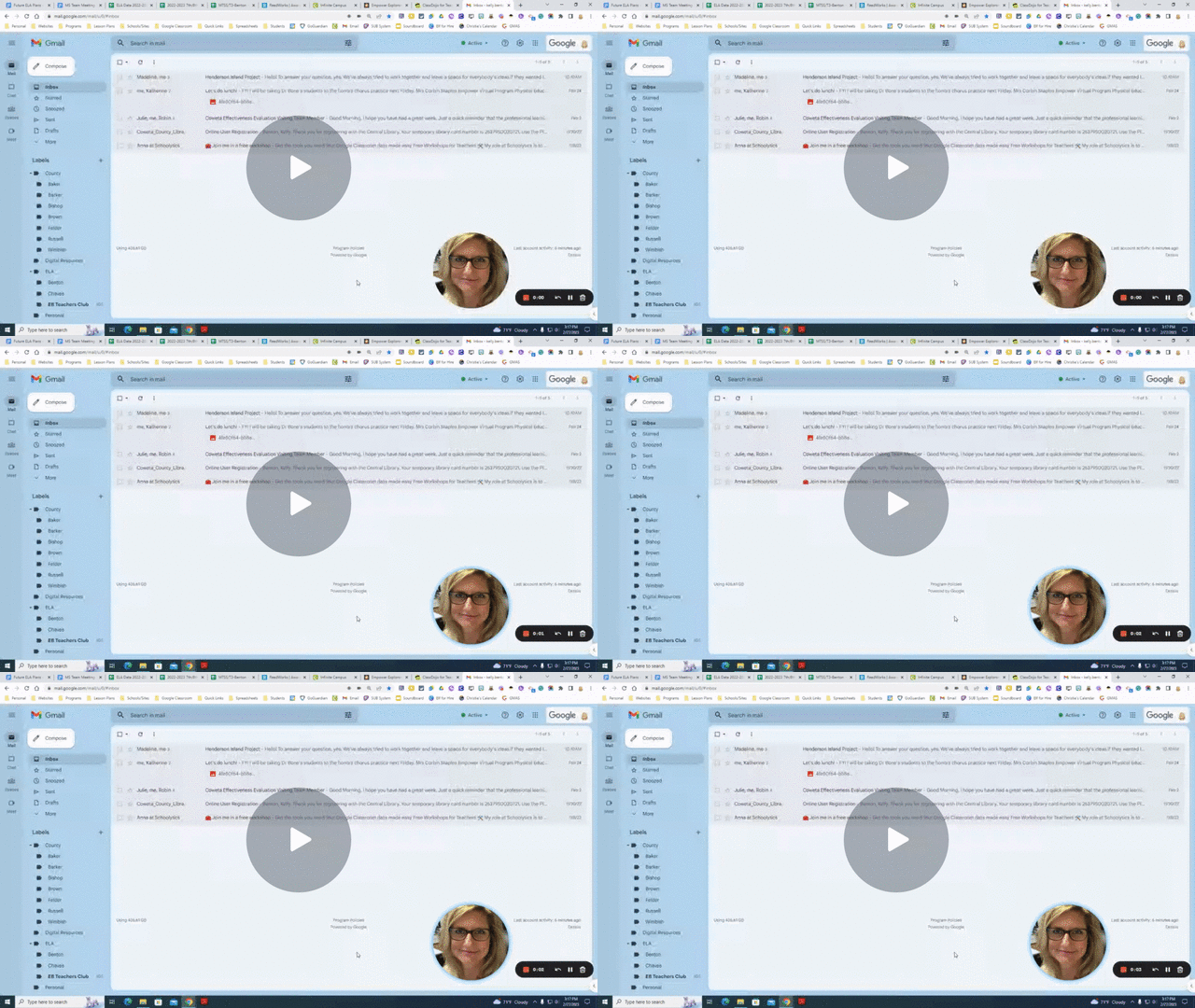
Directions for creating an email filter:
Create a label for the person you are creating a filter for.
Click on “More.”
Click on “Manage labels.”
Click on “Filters and Blocked Addresses.”
Click on “Create a new filter.”
“From:” Type in the email of the person you are creating the filter for.
Click on “Create filter.” (middle bottom)
Choose “Skip the Inbox (Archive it).”
Choose “Apply the label: Choose label dropdown.”
Choose “Also apply filter to _ matching conversations.”
Click on “Create filter.”


Comments
Post a Comment